
Wondering what your payment status means? Whether your payout is being processed, requires action, or has encountered an issue — this guide covers all the statuses you might see and explains exactly what to do next.

PayPal Statuses
| Status Name | Screenshot | Description |
|---|---|---|
|
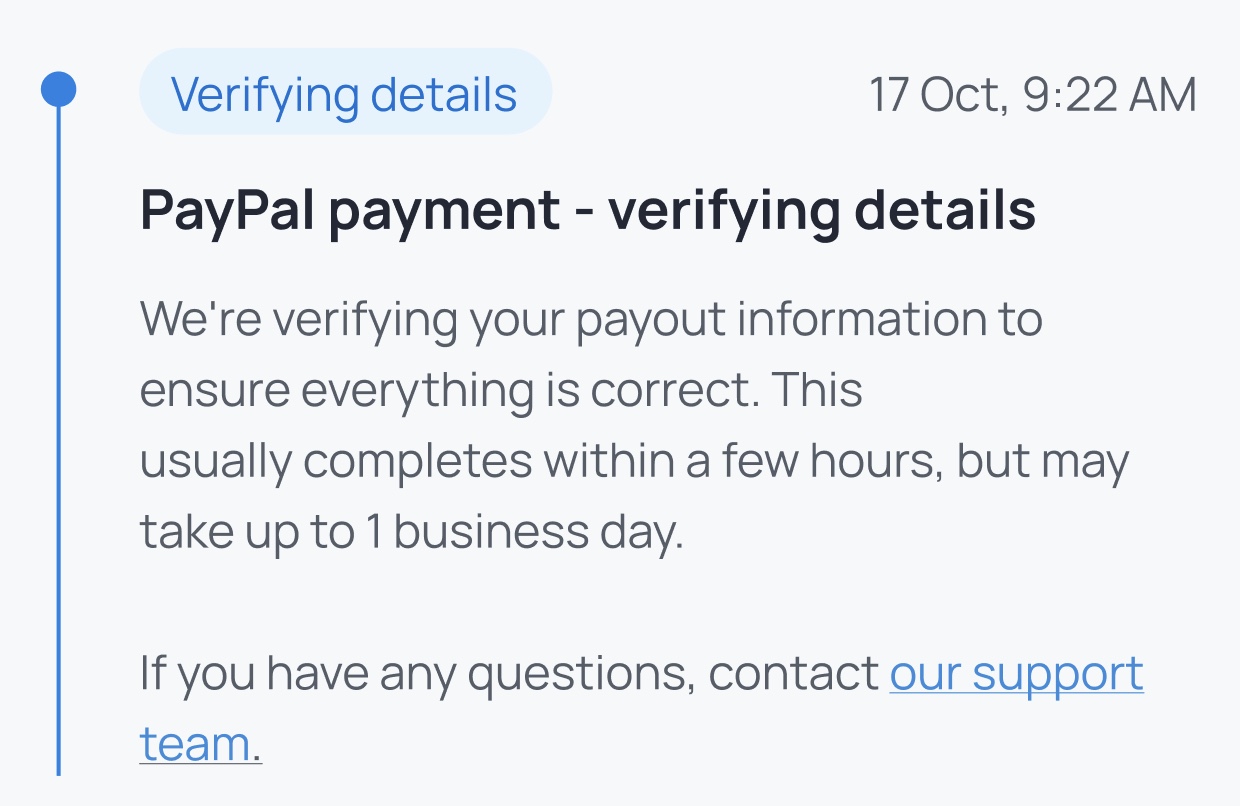
PayPal payment - verifying details Verifying details |
|
Your payout has been created and PayPal is verifying your account and transaction details. No action is usually required. |
|
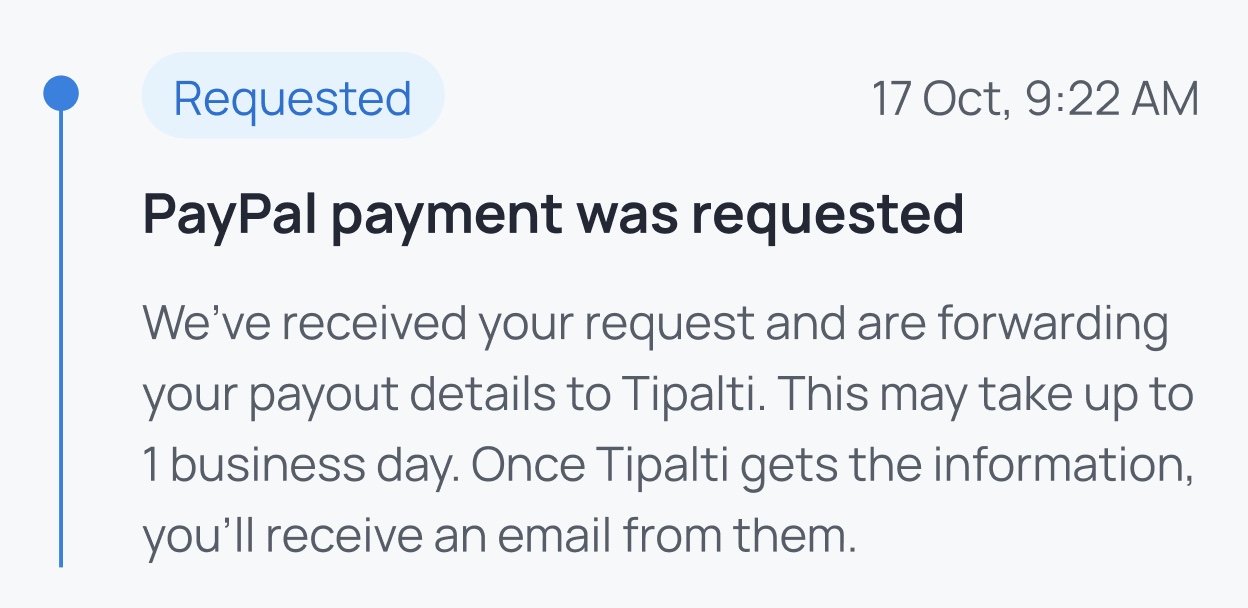
PayPal payment was requested Requested |
|
We successfully requested a payout to your PayPal account. PayPal has received the request and will process it shortly. |
Tipalti Statuses
| Status Name | Screenshot | Description |
|---|---|---|
|
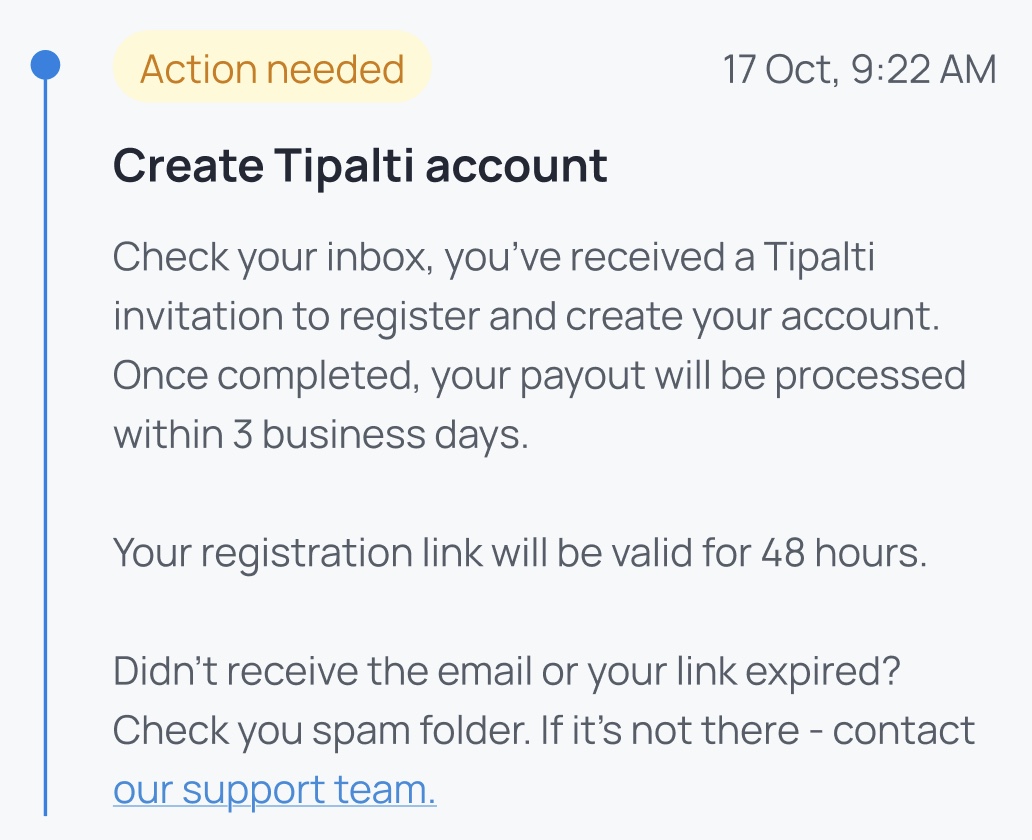
Create Tipalti account Action needed |
|
To receive this payout, you must finish setting up your Tipalti account. Check your email for an invitation from Tipalti. |
|
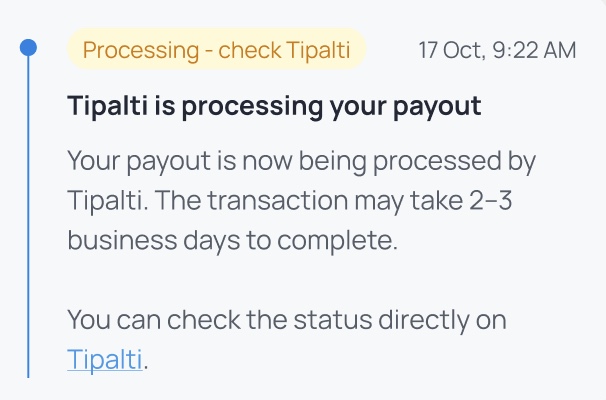
Tipalti is processing your payout Processing - check Tipalti |
|
Your payout has been sent to Tipalti and is currently being processed. Log in to Tipalti to see detailed progress. |
|
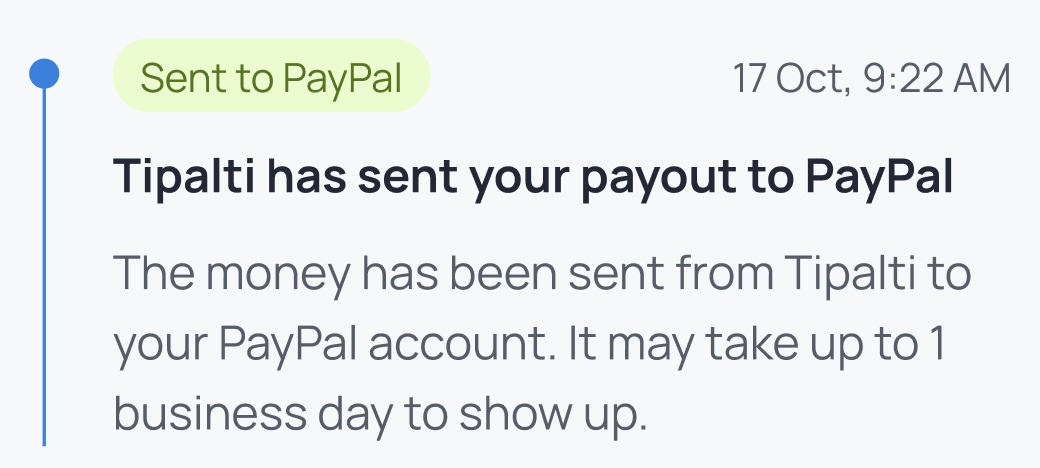
Tipalti has sent your payout to PayPal Sent to PayPal |
|
Tipalti finished processing and sent your payout to PayPal. It might take up to 24 hours to receive the payout. |
|
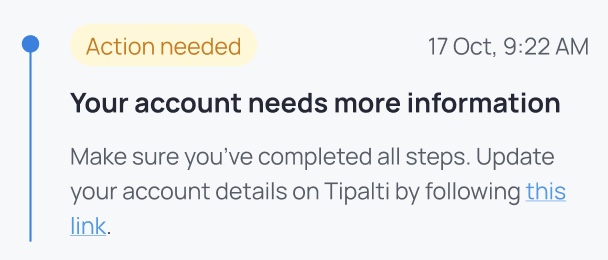
Your account needs information Action needed |
|
Tipalti requires additional details (name/surname, payout method, or address). Complete all 3 steps in oder to complete your Tipalti account. |
|
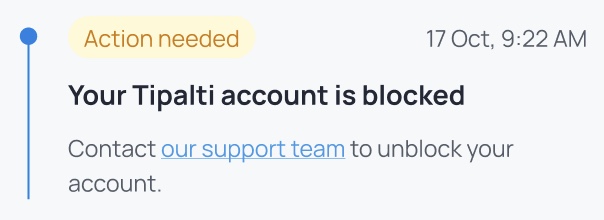
Your Tipalti account is blocked Action needed |
|
Your Tipalti account is blocked. Sign in to Tipalti for details and contact Honeygain support if needed. |
Other Payment Statuses
| Status Name | Screenshot | Description |
|---|---|---|
|
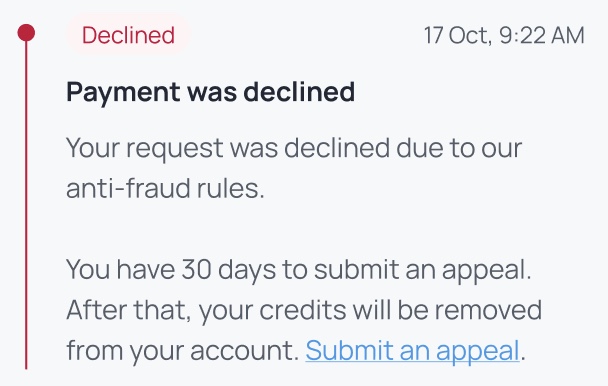
Payment was declined Declined |
|
Your payout was declined for suspicious activities. Contact Honeygain support for further information. |
|
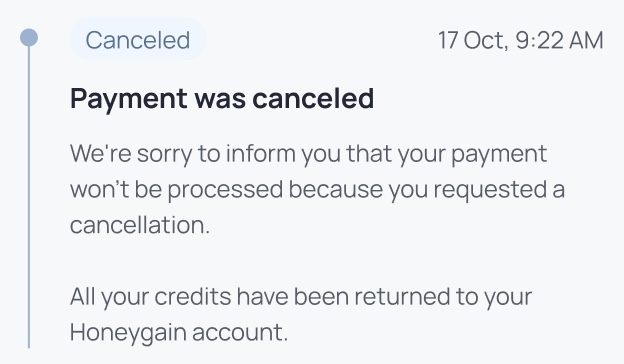
Payment was canceled Canceled |
|
The payout was canceled before completion. You may need to request a new payout. |
|
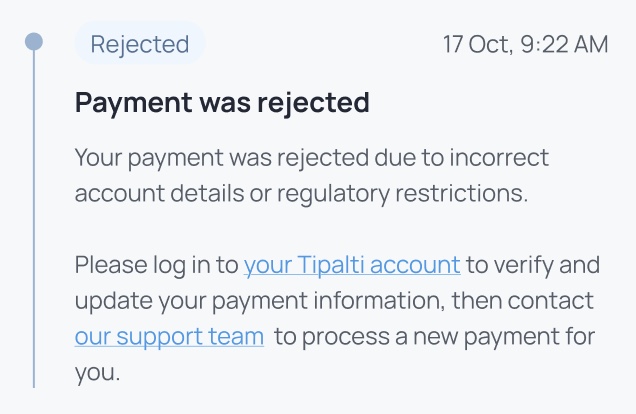
Payment was rejected Rejected |
|
The payout was rejected by the payment provider. Please check possible rejection reasons, eliminate it and contact support to resubmit the payout. |
|
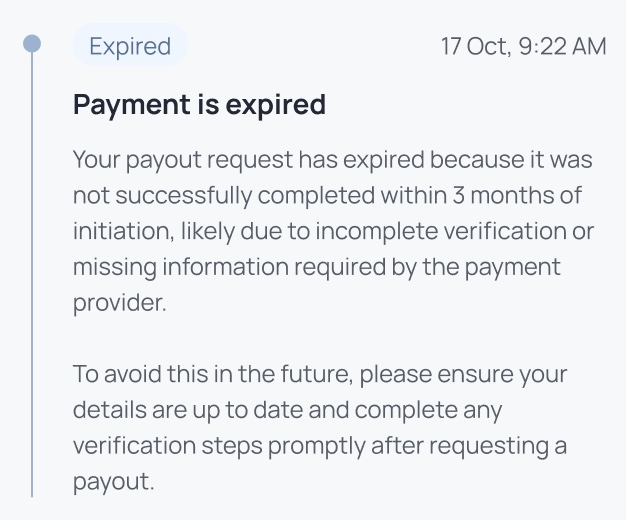
Payment is expired Expired |
|
The payout was not completed in time and has expired. Contact support to clarify whether there is a possibility of recovering the payment. |