|
🔑
Forgot your password? Reset it in a minute.
The same reset also lets Google and Facebook users create a password for logging in on Docker and iOS.
|
⬢ Reset your password
Use the password reset page to set a new password:
1 |
Open the password reset page
|
2 |
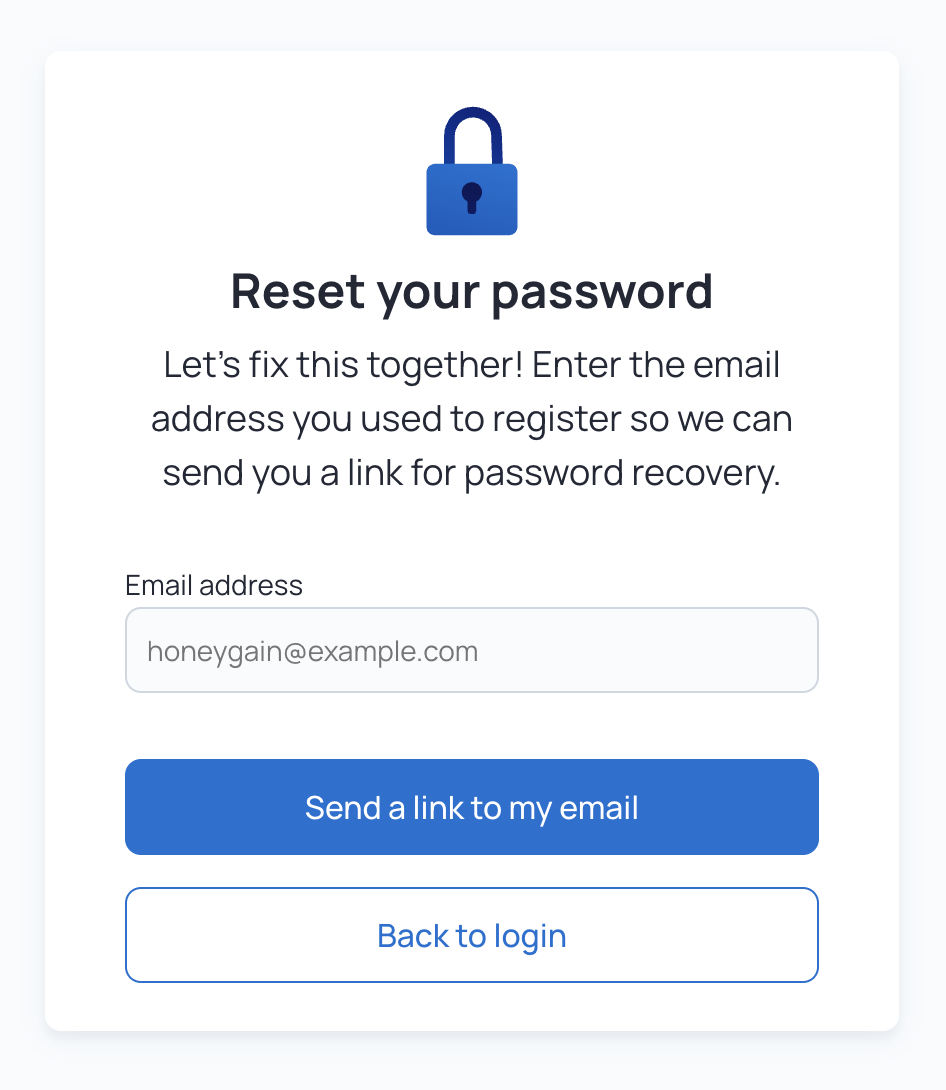
Enter the email you signed up with
If you signed up with Google or Facebook, enter that account's email.
|
3 |
Follow the instructions in the email
We'll send you a link to create a new password.
|
|
⬢ Asked for your current password? Log out of the Dashboard first, then open the reset link again. |
⬢ Signed up with Google or Facebook?
Social login buttons don't work on Docker and iOS. To log in there:
2 |
Log in with email and password
Type your social account's email and the new password into the login fields. Don't press the social login buttons.
|
⬢ Password still not working?
Passwords with special characters such as ! @ # _ ; may not work. Set a new password without special characters and try again.
⬢ Related articles
Read more about account access.
Your email addressRun Honeygain on DockerPayout verification codes
|
